
Things to tryIDEAToday's inspiration.NOTE
01 / WRITE
Catch a thought with a sticky note.
Change colors and angles, and place notes wherever inspiration strikes. Add tags to find your ideas again easily.
MAKE ROOM FOR IDEAS.
Give everything on your mind a place on one board. MemoPatch brings sticky notes, sketches and images together so you can organize ideas and share them with others.
Start your first boardTry it without signing up
01 YOUR IDEAS, YOUR WAY
You can tidy up later. Write, draw and add images. Let your everyday thinking flow onto an online whiteboard.
01 / WRITE
Change colors and angles, and place notes wherever inspiration strikes. Add tags to find your ideas again easily.
02 / CONNECT
Use pens and arrows to show relationships that words cannot express. Add images and emoji stickers to keep the whole picture together.
03 / ORGANIZE
See the big picture on the board or read individual notes in a list. Switch views and search text or tags to organize your thinking.
02 A BOARD FOR EVERY DAY
There is no single right way to use it. Make this space part of your everyday life.
An agile team
with technical skills.
Our service is
still little known.
Growing demand
for new ways to work.
More competing
services are emerging.
Map strengths, weaknesses, opportunities and threats with sticky notes. See the whole business and plan your next move together.
A little surprise
in everyday life.
Who is it for?
How should it feel?
Start with a sketch.
Show your team.
Capture ideas on sticky notes and group them by topic. Connect them with arrows to see how your thoughts relate.
Discuss the direction
with everyone.
Assign owners
and due dates.
Gather images
for inspiration.
Create a first draft
and review it.
Share our first ideas
on the board!
Complete the
kickoff meeting.
Arrange tasks on sticky notes and move them to track progress. Share the board so everyone can see the plan in one place.
OFFICIAL TEMPLATES
For analysis, goal setting and team discussions.
Open a board and copy it to your own workspace.
Edit the sticky notes and shapes to make it yours.
強み・弱み・機会・脅威を4象限で整理。内部環境と外部環境を分け、強みを機会に活かす戦略へつなげます。
View template9×9のマスで、中心の目標から8つのテーマと64の行動へ展開。テーマを外側にも転記し、具体的な次の一歩を決められます。
View template3つの候補と絵文字ステッカーで行う投票ボード。1人3票のルール、投票エリア、手動の集計欄と決定後のアクションを用意しています。
View template3つの円で7つの領域を表示。それぞれ固有の特徴、2つの集合だけの共通点、3つすべての共通点を整理できます。
View template人物の輪郭と6つの記入欄で、目的・困りごと・行動・価値観を整理。調査で確認した事実と未確認の仮説を記録し、設計や施策につなげます。
View template認知から継続・紹介まで、行動・接点、思考・課題、感情、改善機会を整理するマップ。手書きの感情曲線付きです。
View template03 START SMALL, THINK BIG
Skip the setup. Start with the idea on your mind right now.
Start right in your browser. You can try it without an account, so open a board and explore.
Try a boardAdd sticky notes and text. Bring your thoughts to life with sketches and images.
Guest boards are saved in your browser. Create an account to save boards on the server and share them with others.
Yes. Open a board and add sticky notes, text, drawings and images without signing up. Guest boards are saved in that browser. To open them on another device or share with others, create an account and import your boards.
Guest boards are saved in your browser's localStorage. Clearing site data also deletes these boards. Boards created after signing in are saved on the server and accessible from other devices. After signing in, you can copy guest boards into your account yourself.
Yes. After signing in, enter a registered account's email in sharing settings and grant editing or member management permission. View-only access is also available. Members' changes sync periodically. Invitation emails are not sent, so send the board's sharing URL to members yourself.
Private boards are visible only to their owner and accounts added in sharing settings. With public boards, anyone with the URL can view without signing in. Editing still requires account-specific permission. Keep boards containing sensitive information private. Public boards can appear in search engine results.
Yes. Add PNG, JPEG, WebP or GIF images by choosing a file, dragging and dropping, or pasting from the clipboard. Large images are resized, and converted GIFs become still images. Export boards as JSON and import them again, including their images.
Yes. Open History and versions to preview and restore saved earlier states. You can also save named versions at any time. Restoring a shared board requires editing permission. The state before restoration remains in history.
06 MEMOPATCH COLUMN
Ideas and board tips from the MemoPatch team.
仲間との共同編集から、公開ボードのサイト掲載まで。プライベート・パブリックと、三段階の共有権限の使い分けを説明します。
Read column ↗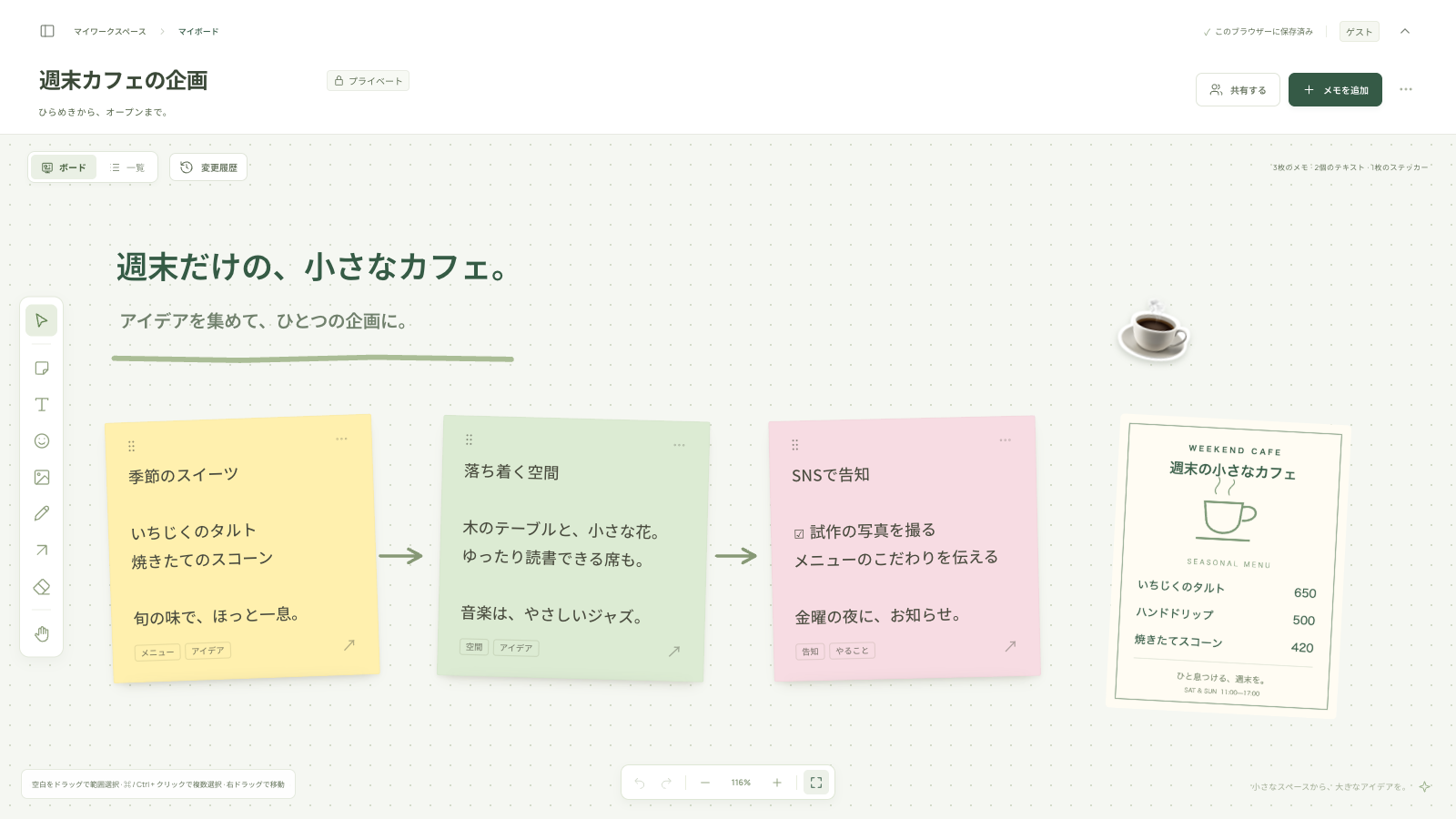
考えをまとめる前に、まず置いてみる。付箋・画像・一覧表示を使って、最初のアイデアボードを形にする手順を紹介します。
Read column ↗
続けたいこと、困ったこと、次に試すことを一枚のボードに。30分の進め方と、Tryを具体的な行動にする方法を紹介します。
Read column ↗EVERY GREAT IDEA STARTS SOMEWHERE.
Something good can start with one sticky note.
Try MemoPatch No signup needed · No installation